The latest GitHub Desktop Linux download is version 3.6.10, released 1 November 2026. Pick the
.deb on Ubuntu, Debian, Linux Mint or Pop!_OS, and the AppImage on any other 64-bit distribution.
sudo apt install ./GitHubDesktop-linux-amd64-3.6.10-linux1.debSHA-256 eab6b869b157ee361715d5b735f49d1a8e36040c68b29babd12fff27cef9e75e · .sha256 · install guide
chmod +x GitHubDesktop-linux-x86_64-3.6.10-linux1.AppImage
./GitHubDesktop-linux-x86_64-3.6.10-linux1.AppImage
SHA-256 c4dfbaac111d4bd5288b7828319cff3673af6a1773a7c3c92bacd82b2f2bb68e · .sha256 · AppImage guide
Which GitHub Desktop Linux download do I need?
- .deb if your system uses
apt. It installs dependencies, registers the sign-in handler, runs sandboxed and upgrades in place. Guides: Ubuntu, Debian, Linux Mint, Pop!_OS. - AppImage for everything else, such as Fedora or Arch Linux. It needs FUSE 2 and a one-time launcher for sign-in. See the AppImage guide.
Both need a 64-bit Intel or AMD (x86_64) PC with glibc 2.34 or newer. There is no ARM, .rpm,
Flatpak or Snap build.
Release files and SHA-256 checksums
| File | Size | SHA-256 |
|---|---|---|
| GitHubDesktop-linux-amd64-3.6.10-linux1.deb | 221 MB | eab6b869b157ee361715d5b735f49d1a8e36040c68b29babd12fff27cef9e75e |
| GitHubDesktop-linux-x86_64-3.6.10-linux1.AppImage | 251 MB | c4dfbaac111d4bd5288b7828319cff3673af6a1773a7c3c92bacd82b2f2bb68e |
Verify your GitHub Desktop download
The builds are not code-signed, so check the checksum before you install. Download the matching
.sha256 file into the same folder, then run:
sha256sum -c GitHubDesktop-linux-*.sha256
Every line must end in OK. A FAILED line means the download is incomplete or altered:
delete it and download again.
What you get after installing
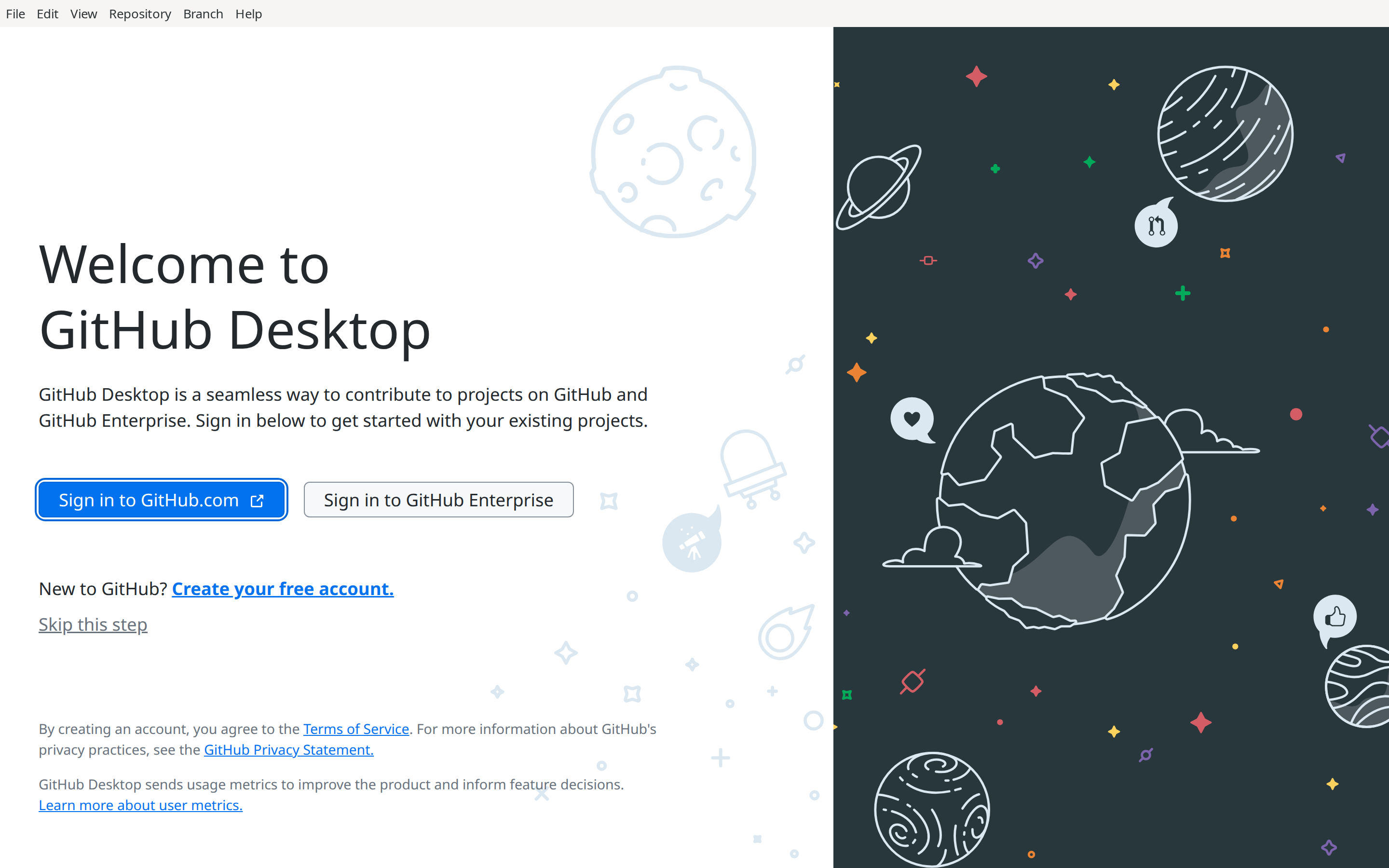
The same GitHub Desktop as on Windows and macOS. The first start shows the welcome screen; choose Sign in to GitHub.com to connect your account, or skip it and add a local repository.
Older versions and release notes
Previous builds stay available on the GitHub releases page. What changed in
each version is on the changelog. To update, download the new .deb and
install it with sudo apt install ./<file>.deb; there is no auto-update.